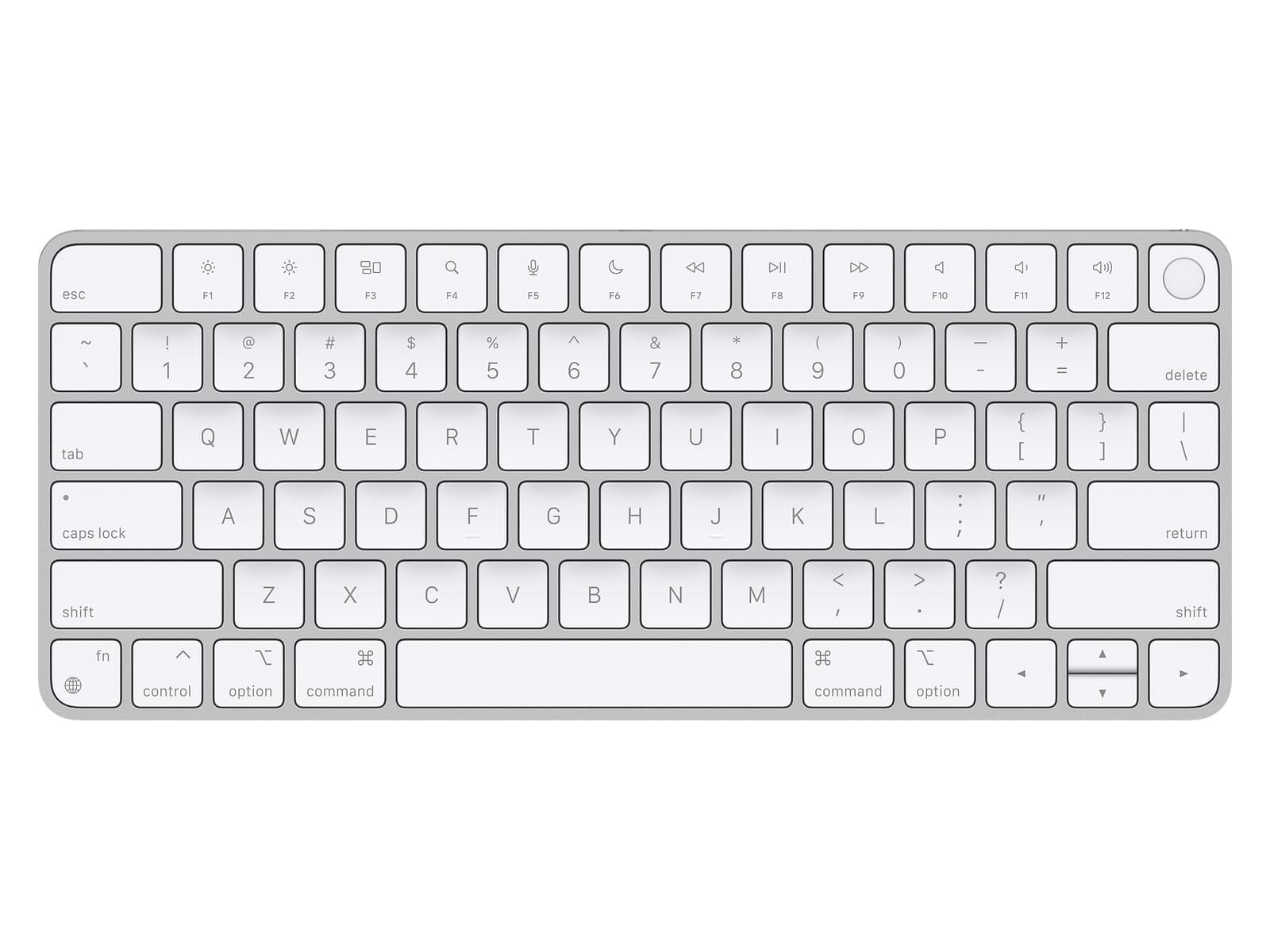
The first week I had this, I caught myself reaching to type my password into a Safari purchase prompt and stopping mid-keystroke because I'd forgotten I no longer had to. That's the whole pitch. The keyboard is the same slim aluminum slab Apple has been selling for a decade, but the little black square in the top-right corner removes about thirty small frictions from every workday: unlock, App Store, Apple Pay, Keychain autofill, fast user switching, sudo prompts in Terminal if you flip the right setting.
None of those things are revolutionary on their own. Together they add up. By the end of the second week I'd stopped typing my Mac password entirely, and a colleague's Windows desktop now feels archaic when I sit down at it.
The typing experience is exactly what you'd guess if you've used a recent MacBook, because it's the same scissor mechanism. Quiet, fast, low-travel, accurate. I share an office, and nobody has ever asked me to stop typing the way they used to with my old mechanical board. The wedge angle is comfortable enough that I don't miss tilt feet, and the multi-week battery means I plug it in maybe once a month.
What Apple did not do is harder to forgive than people pretend. There is no backlight on a $149 keyboard in 2026. The $130 Logitech MX Keys Mini has one. Working in a dim room means hunting for the bracket keys, and the absence is more noticeable when the device feels otherwise premium. There is also no multi-device pairing: switching between my Mac and my iPad means digging into Bluetooth settings and re-pairing, which is the kind of friction the rest of the product is designed to eliminate. The compact Touch ID variant only ships in white. And the Touch ID sensor refuses to work on Intel Macs, which means anyone hanging onto a 2019 iMac is paying $50 extra for a keyboard.
There is one piece of small-print frustration worth flagging: the fingerprint enrollment is tied to the Mac, not the keyboard. Switch the keyboard to a second household Mac and you re-enroll your prints. For most people this doesn't come up. For anyone using one keyboard across a desktop and a docked laptop, it's an annoyance.
None of this changes the basic math. If you have an Apple Silicon Mac and a desktop setup, $149 is one of the easiest yeses in the Apple catalog. The Touch ID workflow alone earns its keep. The trade-off is that you're paying premium money for a keyboard that hasn't been redesigned in years, with one missing feature that should have been included on the first day of the product line.
Verdict: Buy this if you have an Apple Silicon Mac, a desktop setup, and the discipline to not be bothered by an unlit keyboard at night. If you're on an Intel Mac, buy the standard Magic Keyboard and save fifty bucks.