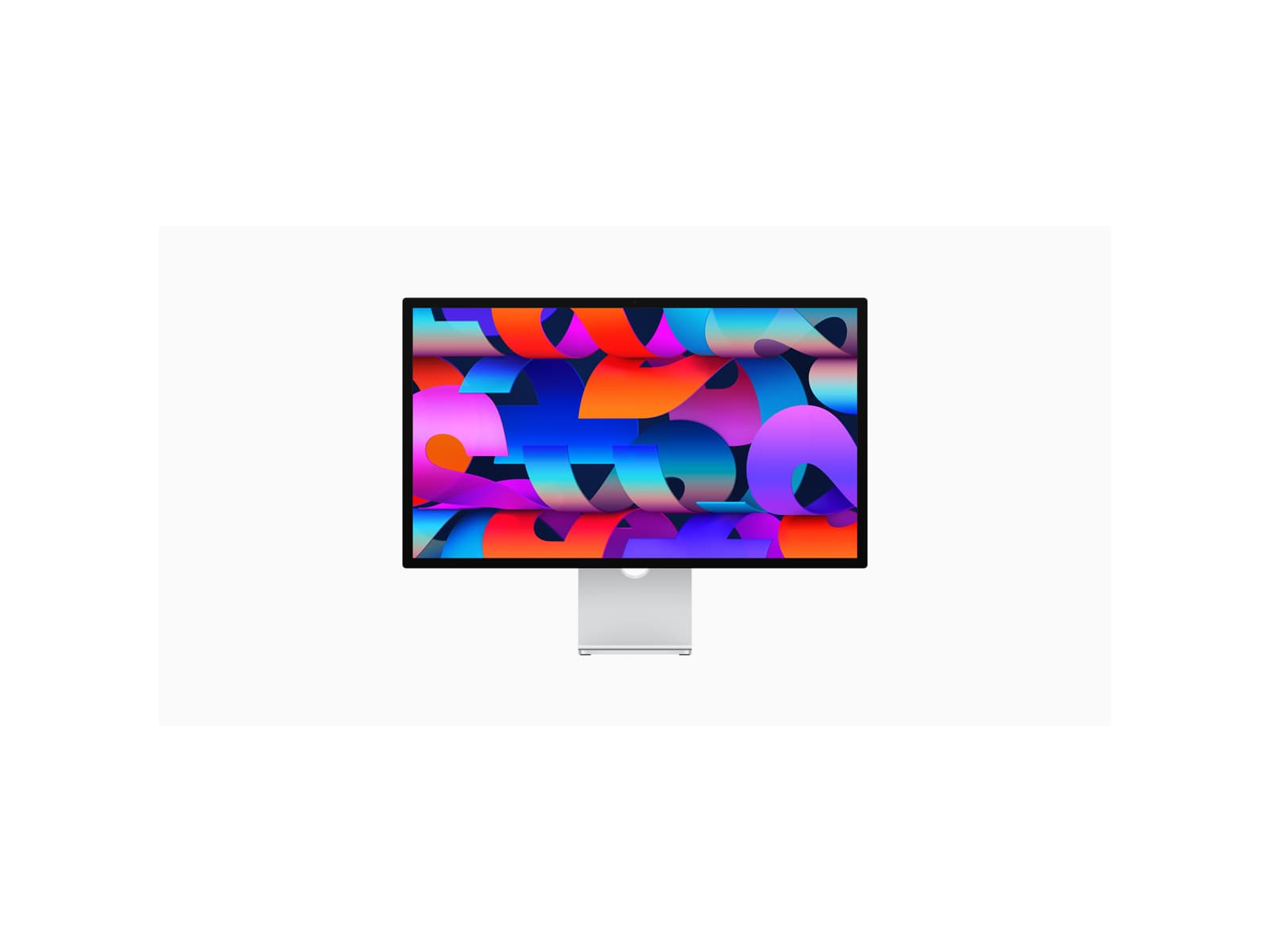
I plugged this in next to a 4K Dell on the same MacBook Pro and spent about a week trying to convince myself the extra two grand wasn't justified. By the end of the week I had given up and put the Dell in a closet. The difference is not that the Studio Display looks more vibrant, because it doesn't — it looks more like paper. macOS font rendering at 5K on a 27-inch panel reaches a clarity that no 4K external display, however good, has matched on my desk.
The nano-texture coating is the quiet upgrade I'd push almost anyone in a bright room toward. I sit in a west-facing office with afternoon sun on the wall behind me, and on the standard glass version I'd have spent half the day fighting reflections. With nano-texture the reflections simply aren't there, contrast holds up, and at the end of a long day my eyes are noticeably less tired. There's a slight loss of perceived sharpness up close that some people will hate; I stopped noticing in a day.
Build quality is the part of Apple I still admire. The aluminum chassis is rigid in a way no other monitor on my desk has matched, the speakers are genuinely good for media that isn't music you care about, and the single Thunderbolt cable delivering 96 watts means the laptop charges, the display drives, and three USB-C peripherals downstream all run off one connection. There is no dongle theater, no second power brick, no firmware dance. It just works, in the original sense of the phrase.
The webcam is genuinely bad. Apple has shipped firmware updates that helped a little, but the camera on a $1,599 monitor still looks like the front-facing camera on a budget Android from 2018. I run Continuity Camera with an iPhone clipped to the top of the display, which works, but the fact that Apple's own answer to its own webcam is to use a different Apple product tells you what you need to know.
The pricing is the other thing that tests your patience. The base configuration is sane. The upgrades — height-adjustable stand at $400, nano-texture at $300 — get you to a $2,300 monitor before tax. The stand should not be a $400 option in 2026, full stop. There is no HDR, no refresh rate above 60Hz, and no VRR. This is, in every meaningful sense, a 2022 spec sheet at 2026 prices.
None of that quite changes the experience. I have used the Studio Display every weekday for three weeks and I do not want to go back. The combination of 5K, nano-texture, one-cable docking, and the way macOS handles all of it is genuinely uncommon. The price is the price.
Verdict: Buy this if you live in macOS, your work is mostly text and design, and you've already decided you want a monitor that disappears into the workflow. If any one of those isn't true, a good 4K panel will do the job for half the money.