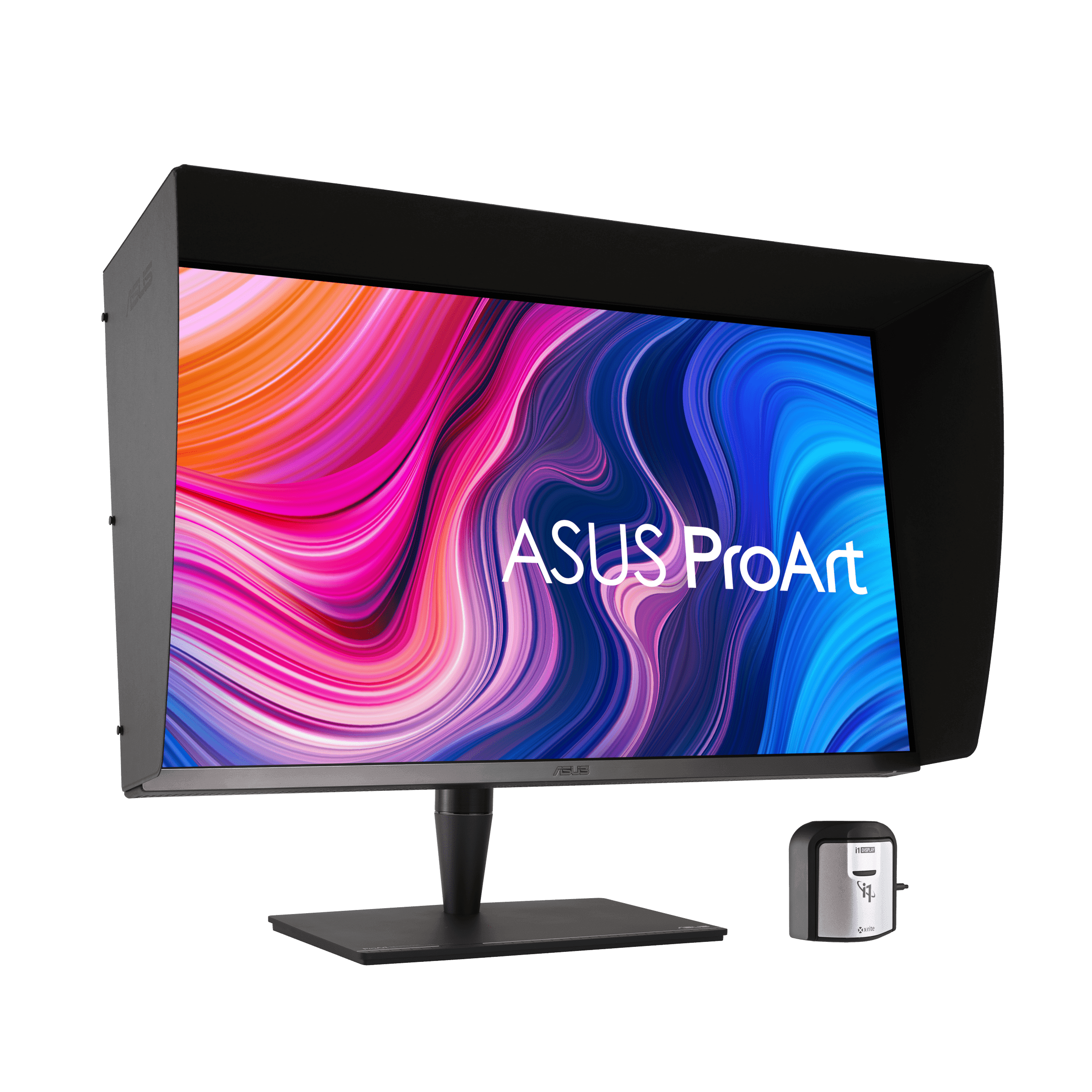
I unboxed this monitor in the same week I unboxed a $700 4K IPS for a sibling project, and the difference was the kind of thing you only notice once you've spent a day with both. The ProArt doesn't look more vivid in a showroom — it looks more honest. Skin tones stop drifting between tabs. A red graded for DCI-P3 stays the red it was graded as. After a year of squinting at a midrange panel and wondering whether the export looked the way I meant it to, this is the first monitor where I stopped wondering.
The panel does what ASUS claims, which is rarer at this price than it should be. Peak brightness lands close to its 1,600-nit rating, and the 1,152 dimming zones are enough that HDR highlights actually punch — a small explosion in a Resolve timeline reads as a real bright spot, not a vague glow. Coverage hits 100% sRGB, 100% AdobeRGB, 95% DCI-P3, which is the trio that matters for any cross-medium pipeline. The bundled X-Rite i1 Display Pro and ASUS's own software mean you can recalibrate on a schedule, not just at unboxing, and that is the single feature that earns this monitor its keep over a year.
Thunderbolt 3 with 60W power delivery and daisy-chain is the under-discussed convenience. One cable runs my MacBook display, the second monitor downstream, and the laptop's charge — except, of course, when the laptop is something hungrier than 60 watts, in which case you're back to two cables. For anyone running an M-series MacBook this is fine; for a 16-inch Pro under heavy load it is not, and ASUS knows it.
The complaints are real and worth knowing. Blooming around bright objects on dark backgrounds is reduced from the older PA32UCX but not gone, and you'll see it in a starfield or a high-contrast title card. The included shading hood is flimsy and gray on the inside, which defeats half its purpose — I bought a third-party hood within a month. Sit closer than about three feet to a 32-inch panel and you start to notice color shift at the corners, which is geometry, not a defect, but worth a thought before you commit the desk space. Boot-up input detection is sluggish enough that I gave up cycling sources and just left it on DisplayPort.
The last thing to say is about who this is for. At roughly $4,000 the math only works if your output is the thing on the screen — a graded film, a retouched campaign, a print proof. Against an Apple Pro Display XDR with a similar feature sheet but no 120Hz and no included calibrator, the ProArt is the better buy by a clear margin. Against a $1,500 ProArt at 60Hz or a BenQ PD2700U, the gap closes for anyone who isn't grading HDR. Most people doing "design work" do not need this monitor. The people who do need it know who they are.
Verdict: Buy this if your job is HDR finishing, color grading, or high-end retouching and a wrong color decision costs hours or dollars. Everyone else should buy a $1,500 ProArt and put the difference into a colorimeter.