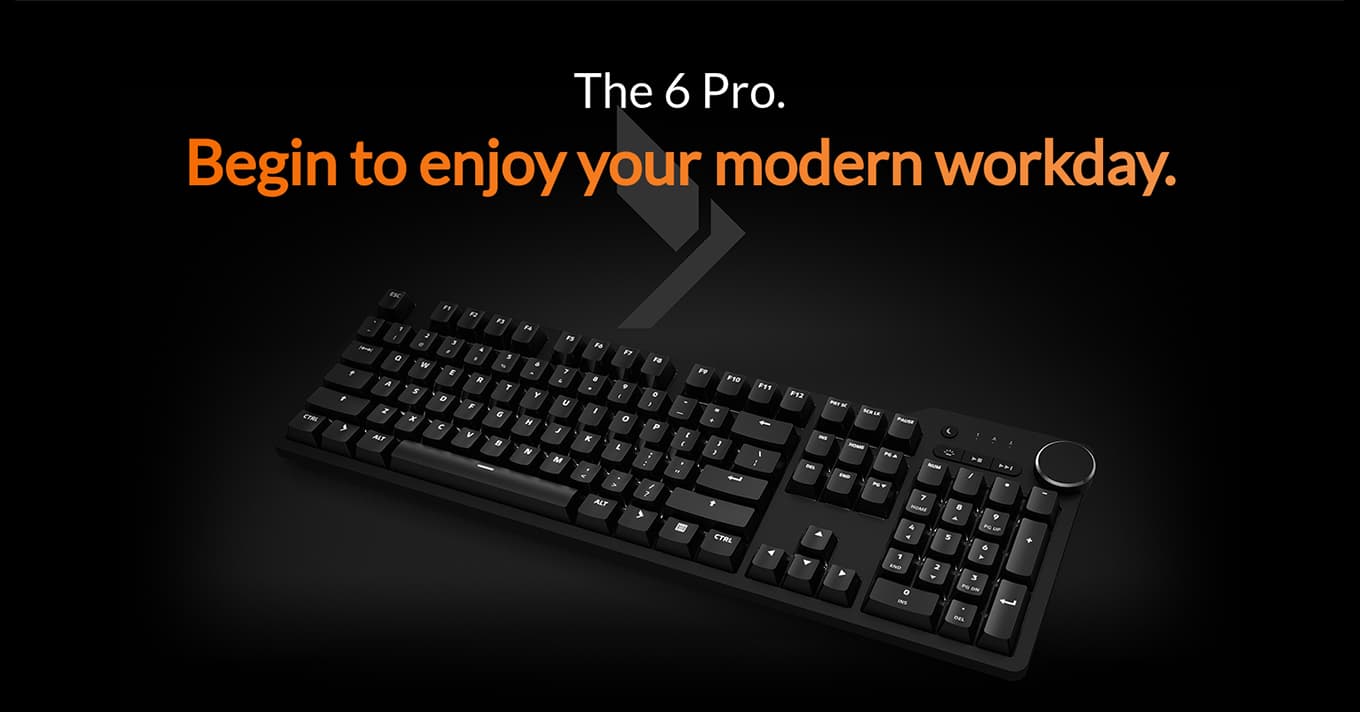
I unboxed this and the first thing I noticed was the absence of a setup guide for software, because there isn't any software. You plug it in, your computer recognizes it, you start typing. In a category that has spent the last five years adding companion apps, cloud profiles, RGB syncing, and macro recorders, the Das 6 Pro's commitment to doing none of that is its strongest feature.
Mine has Cherry MX Browns, which are the right choice if you don't want to inflict your hobby on an open-plan office. The tactility is there without the click, and the typing feel is the genuine article — the Cherry stems with a properly aluminum top plate underneath, which means the board doesn't flex or ping when you bottom out. The brass screw-on feet, of all things, are the small detail that gives it away as a different class of object from a $79 plastic mechanical: they hold the angle you set them to, they don't snap off when you adjust them, and they keep the 2.89-pound board planted on the desk.
The volume knob is the one indulgence, and it earns its place. It's big enough to use without looking, it presses to mute, and the dedicated media keys above it cover play/pause/skip with no Fn-layer juggling. There's a USB-C hub on top for two passthrough ports, which is convenient if you're plugging in a webcam or a yubikey, less useful than you'd hope because it doesn't support fast charging.
What the board is missing is what most reviewers don't bother to mention because it's by design. There's no wireless. There's no hot-swap. There's no per-key RGB — just uniform white backlighting that's either on or off. There's no software to record macros. The right Windows key can be reconfigured as a function key, eventually, in a firmware update that was promised at launch. If you wanted any of these things you bought the wrong keyboard, and Das knows it.
The honest catches are real. The USB-C cable is non-detachable, which is a strange decision on a $199 board because it means a snagged cord is a warranty claim. It only ships full-size, so anyone who wants a TKL or 75% footprint has to look at Filco or elsewhere. The keycaps are ABS, which will develop shine in a year of heavy use; the PBT upgrade is a $59 add-on that should have been the default. And there's no previous-track button, which is a baffling omission given the dedicated next-track sits right there.
The board is also expensive. $199 is real money for something this stubborn, and the comparison everyone draws is the Keychron Q1 Pro, which costs the same and gives you wireless, hot-swap, and VIA support. The Q1 Pro is the smarter buy for almost everyone. The Das 6 Pro is what you buy when you've already decided you don't want any of that and you want the keyboard you'll still be using in ten years.
Verdict: Buy this if you're a serious typist who finds the modern mechanical keyboard scene exhausting and wants a tool that does typing well and nothing else. If you want any modern feature at all, the Keychron Q1 Pro is the same money and a more flexible board.