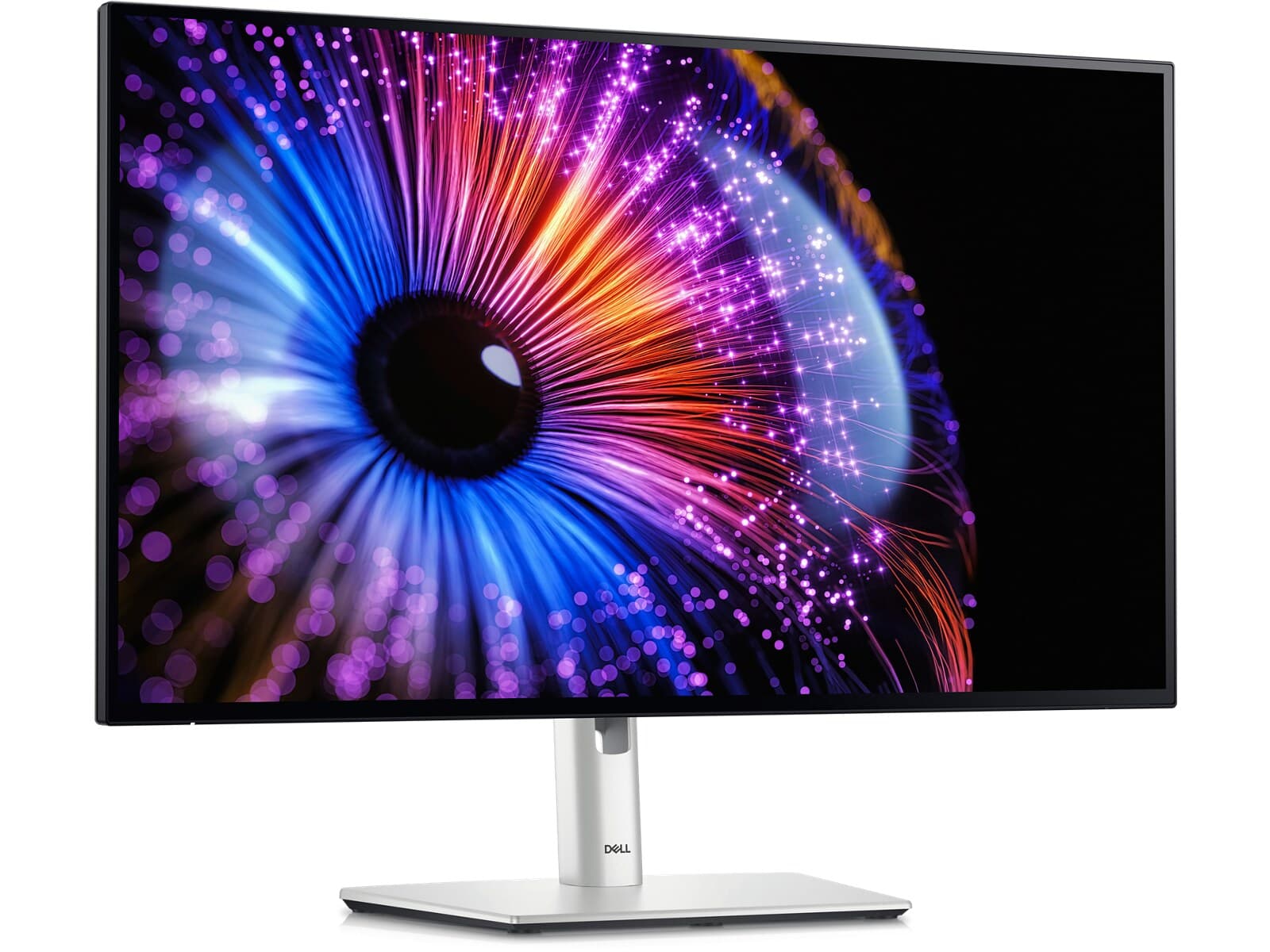
I'd been running a 27-inch 4K UltraSharp for three years before this one replaced it on my desk, and the thing I expected to hate — the drop from 4K to 1440p — turned out to be the thing I liked most. On a 27-inch panel, 1440p text at 100% scaling is the size human eyes were built to read at this distance. No DPI gymnastics, no Windows scaling weirdness, no apps that interpret 175% differently than the OS does. Everything is just the right size, and after a week I stopped missing the pixels.
The IPS Black panel is the other revelation. Measured contrast hits about 2,190:1, which is roughly twice a normal IPS, and the difference is the kind of thing you only notice when you go back. Blacks are believably black in a dim room, the white-on-black UI in my code editor reads cleaner, and the panel doesn't have the gray-haze look that has been the IPS tax for fifteen years. Color accuracy is excellent out of the box — 0.73 average error, 96% DCI-P3, 87% AdobeRGB — which means I haven't run a colorimeter at it once.
The 120Hz refresh is the upgrade that an UltraSharp needed. Scrolling a long Slack thread or a spreadsheet feels smooth in a way the 60Hz lineage never has, and it makes the monitor usable as a casual gaming display when work is done. Adaptive Sync works without official certification (AMD over HDMI and DP, Nvidia over HDMI), which is fine for the kind of person buying an UltraSharp.
The port story is what closes the sale. Thunderbolt 4 in with 90W power delivery and a TB4 out for daisy-chaining. Multiple USB-C and USB-A downstream. 2.5G Ethernet built in, which matters in any office with a real network. HDMI 2.1 with VRR, DisplayPort in and out. It is a one-cable laptop dock with the best hub in its class, and the cable management improvement on a desk like mine has been worth more than the resolution drop.
The compromises are real. Peak brightness is around 328 nits, lower than the 4K U2723QE it replaced because HDR was dropped — which is the right call given how bad HDR 400 was anyway, but worth knowing. Pixel response in the 5–8 ms range is fine for productivity and unimpressive for fast-motion gaming. At $650, most rivals give you 4K, and if your work is photo or video editing the extra pixels matter more than the contrast does.
None of that hurts the use case this monitor is built for. For a developer, writer, PM, or anyone whose day is mostly text and meetings, this is the most comfortable desk monitor at the price.
Verdict: Buy this if you're a developer, writer, or knowledge worker who lives in text and wants one cable to dock the laptop. If your output is photos or video, the U2725QE at 4K is the better sibling for the work.