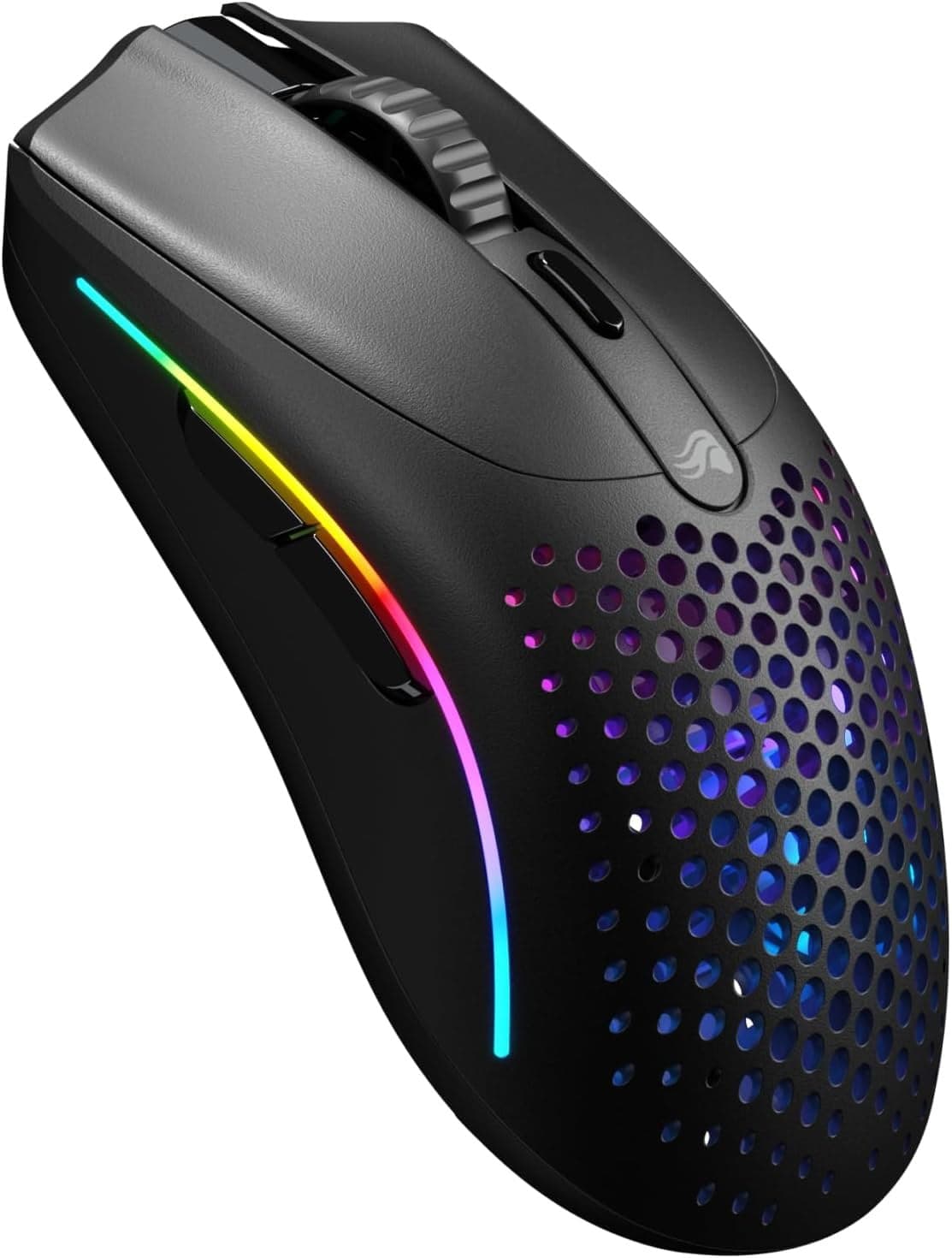
I owned a first-generation Model O for two years, and the thing I remember best is the honeycomb. The whole shell was a lattice of hexagons, and every now and then a crumb or a stray hair would settle inside it and you'd have to take the mouse apart with a tin of compressed air. The Model O 2 looks like Glorious heard the complaints and only partially believed them. The shell is mostly solid now, with smaller circular holes on the underside and the palm. It feels like a mouse instead of a sieve, which is the upgrade I was waiting for.
The weight is the headline. Sixty-eight grams is a real ultralight in the same neighborhood as a Superlight or a Viper V3 Pro, and for fingertip and claw grip it is genuinely lovely. The shape is symmetric, narrow at the waist, with just enough flare at the back to brace against. After a week of CS2 and Marvel Rivals I had no complaints about the mouse itself in motion. Switches are crisp, the new coating actually grips, and I didn't get a single double-click in a few thousand tries.
The BAMF 2.0 sensor at 26K DPI is plenty for any reasonable use, and tracking through fast flicks felt clean. The 110-hour battery on 2.4GHz is a real improvement over the previous generation's 70, and it gets close enough to flagship territory that I stopped thinking about charging within the first week.
The wireless caveat is the part I have to talk about. Independent latency testing has flagged the wireless version of the Model O 2 as inconsistent — both small added latency over what you'd expect from a flagship 2.4GHz link, and some DPI deviation that the wired version doesn't share. In my own use I noticed it once, on a 1v1 mid-pistol round where my flick went a few pixels short of the head and I lost the trade. One round of one game is not data. The lab reports are. If you are a serious competitive player, this is the kind of thing that should make you pause.
The scroll wheel is soft. The notches are mushy, with not enough tactile separation between clicks, and the wheel itself feels a step behind the rest of the mouse. I do not weapon-swap with the wheel often enough for this to ruin my life, but if you do, you'll notice. The middle click is also slightly heavier than I'd like, which is a small thing but a real one if you live on browser tab closes.
Palm grippers should keep looking. The shell is narrow and shallow enough that a palm grip rides up off the back and your fingers end up hanging over the front buttons. This is a mouse for the top half of your hand. Hole-haters should also keep walking; even the more restrained perforation pattern on the underside will bother some people every time they pick the mouse up.
At $100 it sits right next to the Superlight 2 and the DeathAdder V3 Pro at sale prices, both of which are more reliable wireless options. The wired Model O 2 at a discount, on the other hand, is one of the best cheap ultralights you can buy and the version I would actually recommend to a friend.
Verdict: Buy the wired version if you want a sub-70g claw-grip mouse without paying flagship money; if you specifically need wireless for competitive play, the Superlight 2 is the safer bet.