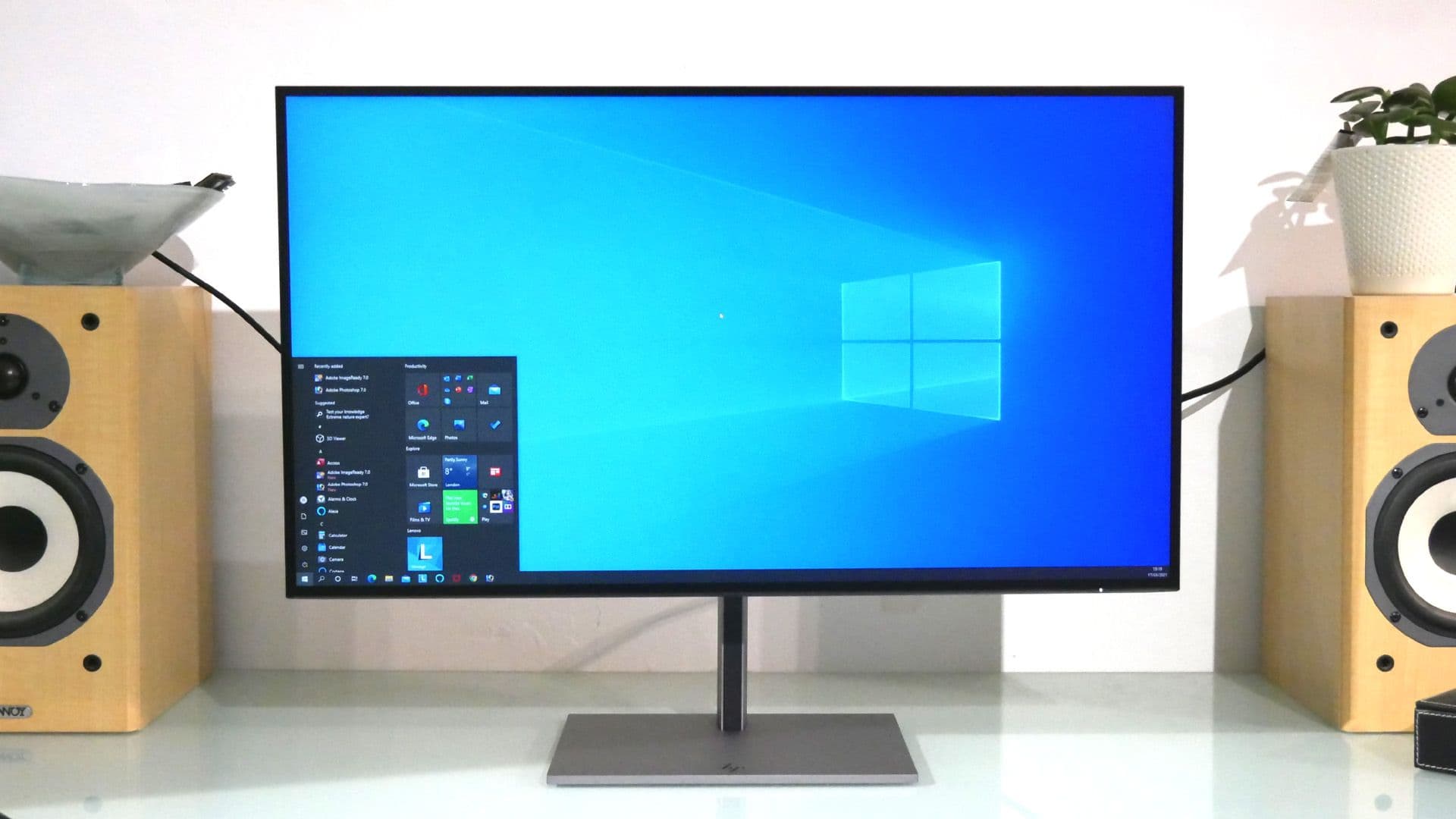
I tested this monitor for two weeks as a laptop dock for a corporate-issued MacBook, which is the use case HP designed it for, and on those terms it is the right monitor. The connectivity is the entire reason to consider it. USB-C with DisplayPort passthrough and a full 100 watts of power delivery, DisplayPort 1.4 in and out for daisy-chaining a second display, HDMI 2.0, four USB 3.2 Gen 1 downstream, and — the unusual one — a Gigabit Ethernet jack built into the back. On a corporate desk with a real network and a laptop that does not love Wi-Fi, that Ethernet jack is the feature that earns this monitor its keep.
Ergonomics back up the office story. 150mm of height range is more than most 27-inch displays offer, and the tool-free stand assembly meant I had it on the desk in under two minutes. The chassis is 38mm slim with thin bezels, the build feels closer to an HP EliteBook than a budget peripheral, and 100mm VESA mounting is standard. For a manager standing it up on a hot-desk or an IT department deploying a hundred of these across a floor, the small things are right.
The color is where it stops being a designer's monitor. Out-of-box Delta-E around 1.12 is good and the color temperature is close to target, but coverage tells the real story: 91.3% sRGB, 77.3% DCI-P3, 70.7% AdobeRGB. That's narrow enough that anything wider than basic office work — photo editing, video grading, color-managed design — will give you wrong answers, and a calibration pass cannot widen the gamut beyond what the backlight can produce. There is also a non-defeatable sharpening filter, which is a baffling decision in 2026 and one of those small offenses that tells you what the engineering priorities were.
Uniformity is mediocre. I measured up to 18% backlight loss along the top edge of mine, which is invisible in a spreadsheet and obvious on a gradient. There are no speakers, no headphone jack, no KVM, and no webcam — which keeps the chassis clean and means you'll need accessories for any of those if your meeting setup depends on them.
The price at review is a problem. At £387 the Z27u G3 sits above the BenQ PD2705Q at £290 and the LG Ergo 27QN880-B at £333, both of which match it on most line items and beat it on color. The premium you're paying buys the connectivity, the ergonomics, and the HP support contract that an enterprise customer values and an individual buyer doesn't.
If you're shopping with your own money for a monitor on a personal desk, this is not it. If you're a designer or photographer, the narrow gamut alone rules this out. But if your IT department is deploying single-cable laptop docks across a building and they need Ethernet, USB-C power, and a serviceable warranty, this is the monitor they should be buying.
Verdict: Buy this if you're deploying corporate desks where one cable docks the laptop with power, network, and display. If you're a designer or photographer with your own budget, a BenQ PD2700U or a ProArt at the same money is the right answer.