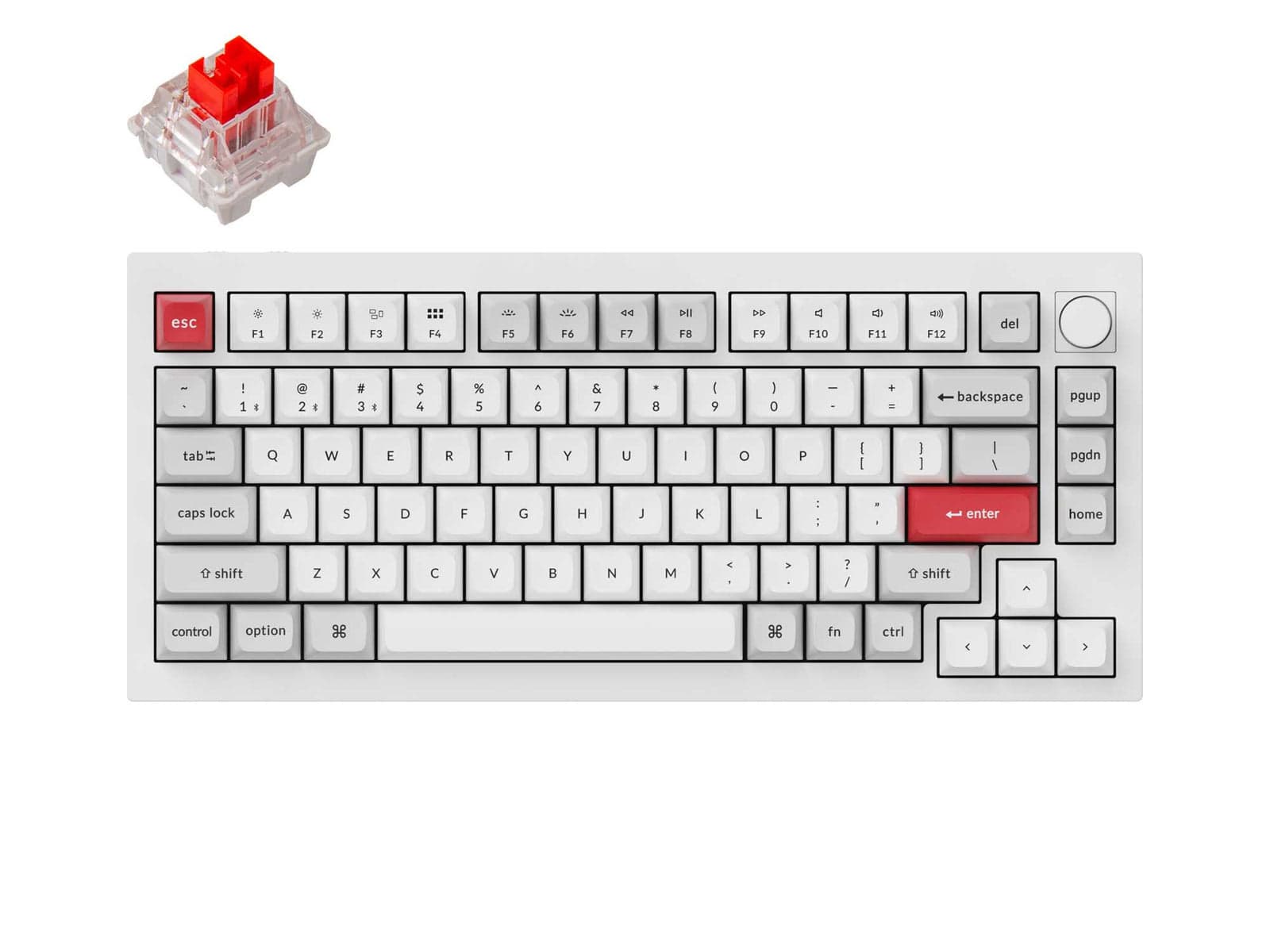
I had a Google Doc with a parts list for a custom build — case, plate, PCB, switches, keycaps, stabilizers, cable — that totaled about $450 and a four-month wait. I closed the doc two weeks after the Q1 Pro arrived. The board doesn't do everything a custom can, but it does enough that I stopped wanting to spend the difference.
The double gasket mount is the part that converts skeptics. Most prebuilt mechanicals feel like a hard slab; you bottom out a key and the impact goes straight into the desk. The Q1 Pro has gaskets between the plate and the case that absorb a small amount of the impact, and the difference is immediately physical when you sit down with it. Combined with the two layers of sound-absorbing foam and the doubleshot PBT caps, the typing experience is dead and creamy in a way that costs serious money in the custom world. I have the K Pro browns, and they sound like someone took a hammer to a stack of paperbacks.
What surprised me is the wireless. I've used a lot of Bluetooth peripherals that drop, stutter, or fail to wake. The Q1 Pro held a connection through two walls in my apartment and never missed a keystroke. The wake-from-sleep is fast enough that I forget the keyboard is wireless until I notice the cable isn't plugged in. The trade-off is that there's no 2.4GHz dongle option — Bluetooth only. For typing this is invisible. For competitive gaming, the latency is real enough that you should plug in the cable, which incidentally also bumps the polling rate to 1000Hz.
QMK firmware is the other underrated feature. You're not stuck with Keychron's app: any QMK-compatible configuration tool will work, which means your remaps and macros live in the keyboard's firmware and survive an OS reinstall. The hot-swap sockets accept any Cherry MX-style switch, so when you decide the K Pro browns aren't tactile enough, you swap them out without a soldering iron.
The catches are minor. The board only ships in 75% layout, which is fine for desks but not for anyone who needs a numpad — Keychron's larger Q-series boards exist, but they're not the same board. The battery life with RGB on is in weeks, not months; if you want all-day backlight, leave it plugged in. The included USB-C cable is fine but uninspired, and the first thing most enthusiasts do is replace it with something coiled and aviator-connected.
There's one real complaint and it's about the included K Pro switches, which are pre-lubed and pleasant out of the box but not the equal of dedicated boutique switches. The fix is hot-swapping them, which the board is designed to make easy. The pricing puts it at $199 for the wireless version with knob, which is the same money as the Glorious GMMK Pro and gets you wireless and QMK in exchange for the GMMK's slightly more refined case finish.
Verdict: Buy this if you've been eyeing the custom mechanical scene and want a starter board that doesn't feel like a compromise. Skip it only if you need 2.4GHz wireless or a layout other than 75%.