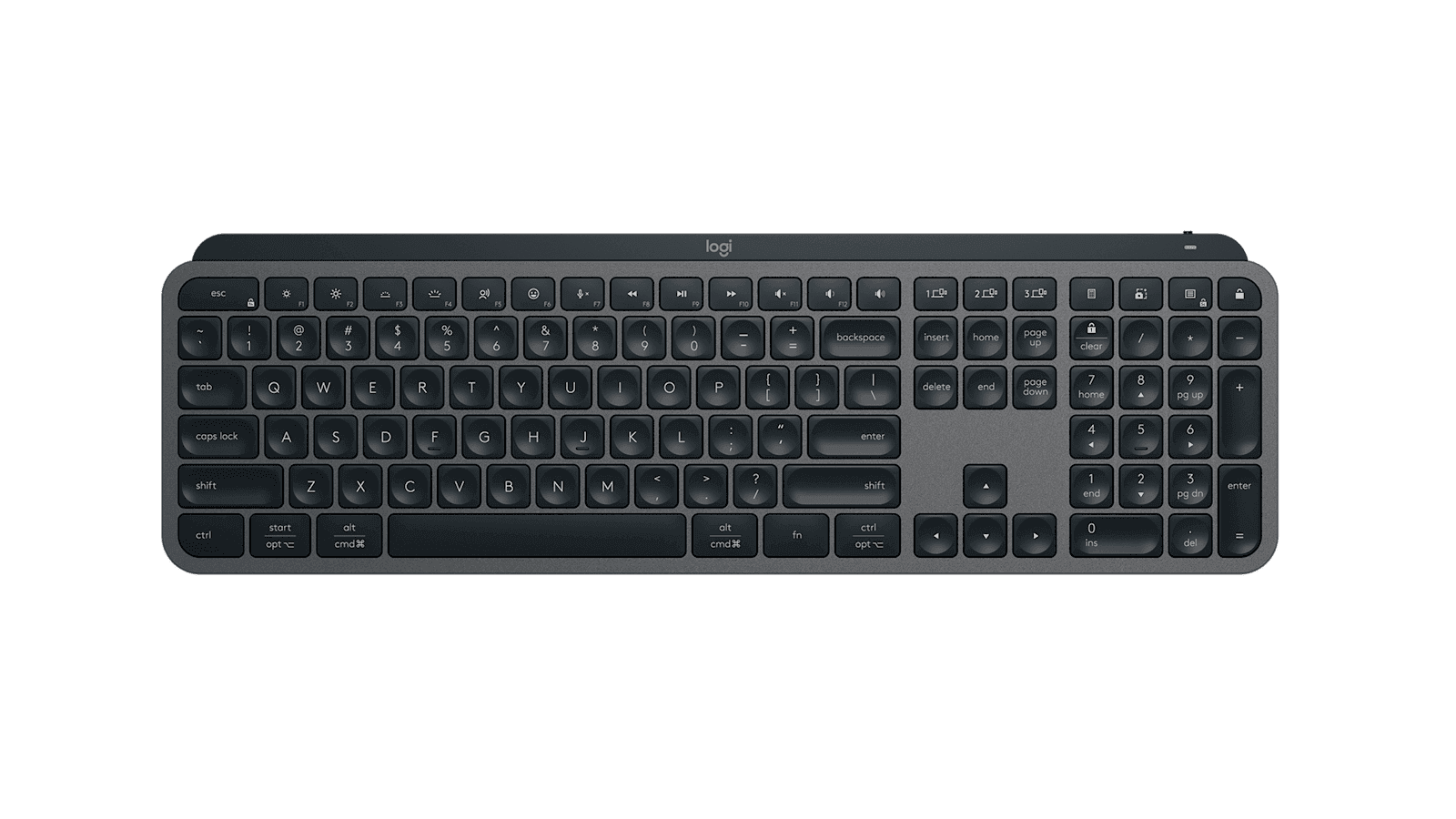
I switched back to this after eight months on a mechanical, and within an hour I'd remembered why most office workers buy a scissor-switch keyboard and stop thinking about it. The MX Keys S is quiet, fast, and forgiving of sloppy typing in a way that no mechanical keyboard I've used can match. My typing accuracy went up. My desk got two inches deeper. My partner stopped complaining about the noise from the next room.
The hardware is essentially unchanged from the 2019 MX Keys, which is either a strength or a problem depending on how you feel about Logitech recycling a chassis. The full-size aluminum layout, the dished keycaps, the scissor mechanism with the slight resistance that keeps you from triggering keys by resting your fingers — all of it is the same. If you owned the original, this is not an upgrade. If you've never owned an MX Keys, the answer to "is it actually the best non-mechanical keyboard for productivity" is, frustratingly for the mechanical-keyboard crowd, yes.
What the S adds is software. Smart Illumination uses an ambient-light sensor to brighten the backlight when the room dims and shut it off entirely when the battery dips below 10%. It's the kind of feature you don't notice working, which is the highest praise for an ambient sensor. Smart Actions is the new macro system, which lets you bind keys to chained workflows: open these three apps, set this audio device, paste this text. It is also half-baked at launch, which Logitech admits by calling it a beta. It couldn't recognize my progressive web apps, struggled with anything involving system audio, and felt fragile enough that I stopped trusting it after a week. The feature will probably be useful in a year.
Multi-device pairing across three machines is the genuine selling point against an Apple Magic Keyboard. I keep my Mac, my work laptop, and my iPad set up across the F1/F2/F3 buttons, and switching takes one keypress with no re-pairing. The Logi Bolt receiver is more reliable than the older Unifying dongle for most setups, and the Bluetooth fallback works when you're traveling without a dongle.
The USB-C charge is the other underrated detail. I've gone two weeks of full work days between charges, and the keyboard recovers from dead to all-day usable in about an hour of plugged-in typing. The cable lives in the bottom of a drawer for most months.
The catches are small. Logi Bolt and Unifying dongles are not cross-compatible, which is annoying if you have a desk full of older Logitech mice that share a Unifying receiver — you now need both dongles in two USB ports. There's only one height adjustment angle, and the wedge is a little flatter than I'd choose. There's no Mini variant in the S generation yet, which is a strange omission given how popular the original Mini was. And the hardware being identical to a five-year-old keyboard means the bezels and the keycap shapes look dated next to newer competitors.
The value depends on whether you already own the predecessor. If you do, wait — Smart Actions is reportedly coming to older MX devices via firmware, and the hardware upgrade isn't there. If you don't, this is the easy answer for $109.
Verdict: Buy this if you want the best premium scissor-switch keyboard for productivity work across multiple machines. If you already own the 2019 MX Keys, wait for the software update and skip this one.