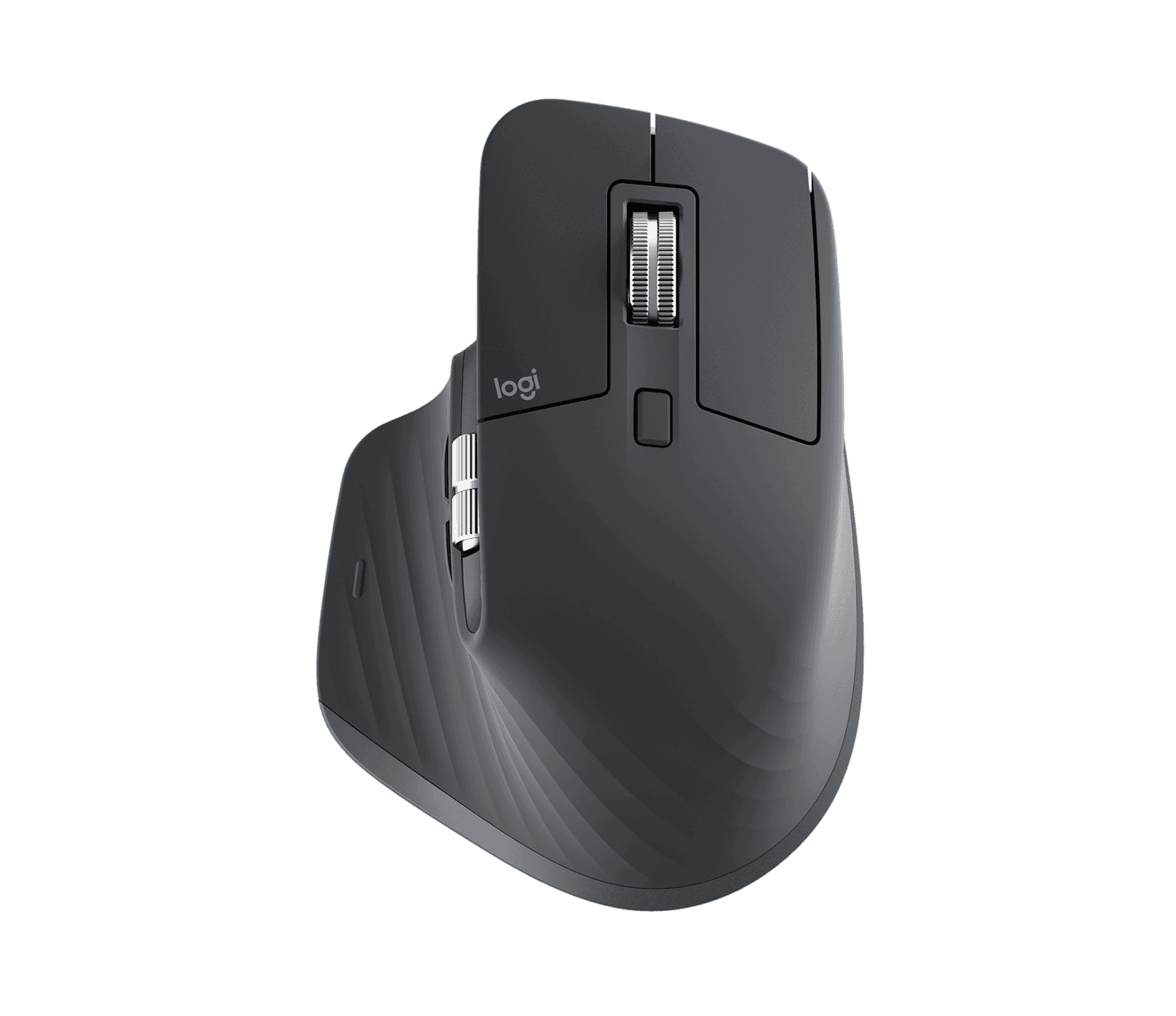
I have moved apartments three times since I bought my first MX Master 3, and I have set it on every desk I've worked at since. When the 3S came out I bought one, gave the 3 to my partner, and didn't think about it again for a year. That is what this mouse is. It is the thing you stop thinking about, which on a desk full of objects competing for your attention is the highest compliment a piece of hardware can earn.
The infinite scroll wheel is the reason. I work in long documents, long codebases, long browser histories, and long Slack threads. The MagSpeed wheel handles all of them with a single flick — you spin it once and it free-wheels through a thousand lines, and you tap it to stop. Once you've used it, the friction of a notched wheel on every other mouse feels like a small daily tax. The quiet-click switches on the 3S are a smaller upgrade but a real one. I can use this mouse in a meeting next to my partner without her hearing me click, which on the previous generation she would mention.
The shape is the second reason. Logitech has not changed it because they have not needed to. The thumb rest is generous, the curve of the back lifts your palm into a neutral position, and the side buttons sit exactly where my thumb already wants to be. After a few hours my hand stops noticing the mouse, which is the same compliment in different language. At 141 grams it is heavy by gaming-mouse standards and exactly right for a mouse you drag in slow arcs across a wide monitor all day.
The 8000-DPI sensor is more than I need for productivity work but it tracks reliably across surfaces that defeat lesser sensors — including the glass coffee table I sometimes work from in the morning, and the textured wood of the desk in my office. I have never needed to keep a mousepad around for it. Multi-device pairing lets me toggle between my work laptop and my desktop with a button on the underside, and Logi Flow makes that handoff automatic if both machines are on the same network.
Logi Options+ is the part most reviewers undersell. Per-app gesture mappings — push the thumb button and slide left to switch tabs in Chrome, push and slide up to maximize in VS Code — are the kind of small productivity wins that compound over months. Setting them up takes an evening. You do not go back.
The two real complaints are old and unfixed. It is right-hand-only, and if you are left-handed Logitech has nothing for you in this tier. And it is a big mouse. Small hands will struggle, and the smaller MX Anywhere 3S exists for a reason. The horizontal thumb wheel has more resistance than I'd like and I don't use it often, but on a Friday afternoon spreadsheet it is occasionally a lifesaver. There's also nowhere to stash the USB receiver on the mouse itself, which is the kind of small oversight you forgive on a $30 mouse and grumble about on a $100 one.
The battery is rated around 70 days, and that is honest. I plug it in maybe six times a year.
Verdict: Buy this if you spend your day in browsers, docs, and editors and you don't want to think about your mouse again for the next five years.