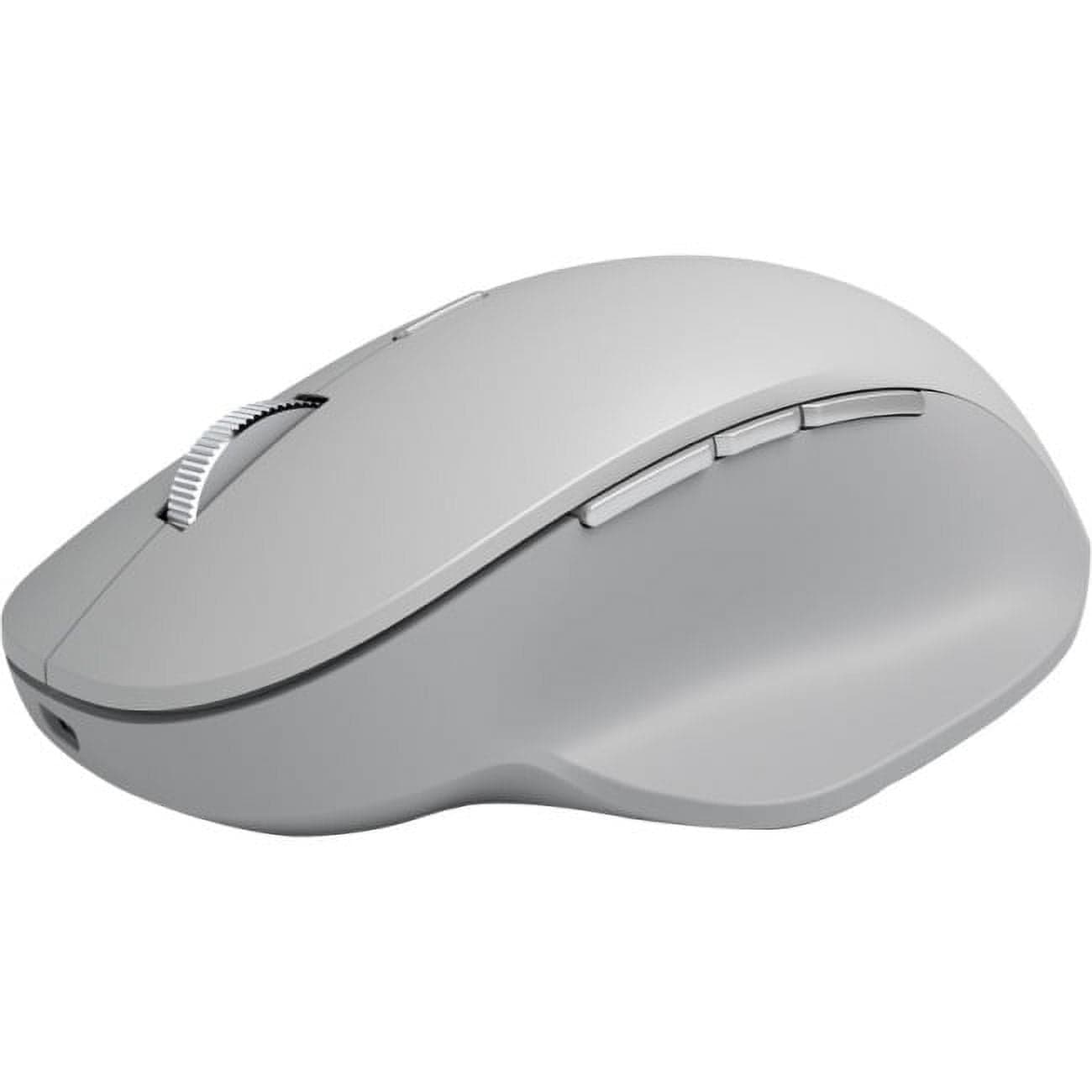
My desk has three computers on it. A work laptop, a personal desktop, and a small Mac mini I use for one specific app. For years I had three mice, three keyboards, and a KVM switch I was never quite happy with. Then I tried the Surface Precision Mouse and the cursor on my work laptop slid off the right edge of its screen, jumped to my desktop's monitor, and landed exactly where I expected it. I think I actually laughed.
That is the trick. Smart Switch pairs the mouse with up to three PCs over Bluetooth, and with Microsoft's Mouse and Keyboard Center you can configure the cursor to leap between them the way it would between two monitors on a single machine. The handoff is fast enough that I stopped noticing it within a day. Copy on one machine, paste on another, no foot pedal, no KVM, no fuss. If you work across multiple Windows boxes — and I know IT admins, multi-machine developers, and Mac+PC hybrid workers who all do — this single feature is worth the price.
The shape is the other quiet win. The Surface Precision Mouse is genuinely ambidextrous in a way most "ambidextrous" mice aren't, with a tall back hump that supports either hand and a side profile shallow enough that lefty grip doesn't feel like a compromise. The thumb buttons are still on the left, which is the asterisk — a left-handed user gets the shape but not the buttons in the right place. The body is wrapped in a matte plastic that has aged well; mine is two years old and shows no shine on the contact points.
The scroll wheel has a detent/smooth toggle behind it that I love more than I expected to. Tactile clicks for spreadsheet rows and folder lists; flip the toggle and the wheel free-spins for long documents. It is a smaller version of the MagSpeed magic on the MX Master, with a manual rather than automatic switch, and I find I actually prefer the deliberateness of choosing the mode.
The rest of the mouse is showing its age, because it is. It was designed in 2017 and Microsoft has not refreshed it. The 3,200 DPI sensor is fine for productivity and not enough for serious gaming. There's no true horizontal tilt; sideways scroll happens by clicking the wheel left or right and dragging, which is a worse solution. The battery is non-removable and rated about three months, which is half what the MX Master pulls. The charging port is USB 2.0 micro on early units and a barrel connector on later ones, and yes, both feel ancient.
The setup software is a small adventure. Mouse and Keyboard Center is buried somewhere on Microsoft's site, the link rots every two years, and once installed the configuration UI is spread across at least three different Windows menus. Plan for a frustrating afternoon, and then forget about it for the rest of the year.
If you only use one machine, the MX Master 3S has better scrolling, better gestures, longer battery, and an equivalent shape for right-handed grip. If you only use a Mac, this isn't your mouse — the smart-switch trick is Windows-first. If you live across Windows desktops and laptops, though, nothing else in this price tier does what this mouse does, which is why it has stayed on my desk through three product cycles when Microsoft would replace it.
Verdict: Buy this if you work across multiple Windows PCs every day and you've been looking for a single pointer that knows about all of them.