I have spent most of the last decade typing on the same MacBook scissor-switch layout, and my hands have learned exactly the height and travel of those keys. The first time I tried a full-height mechanical, my wrists complained for a week and my typing speed dropped by twenty words a minute. The Air75 V2 is the first mechanical keyboard I've used where neither of those things happened. The board sits low enough that I can keep it in front of my closed laptop and reach across it to the trackpad without bending my wrists into a new shape.
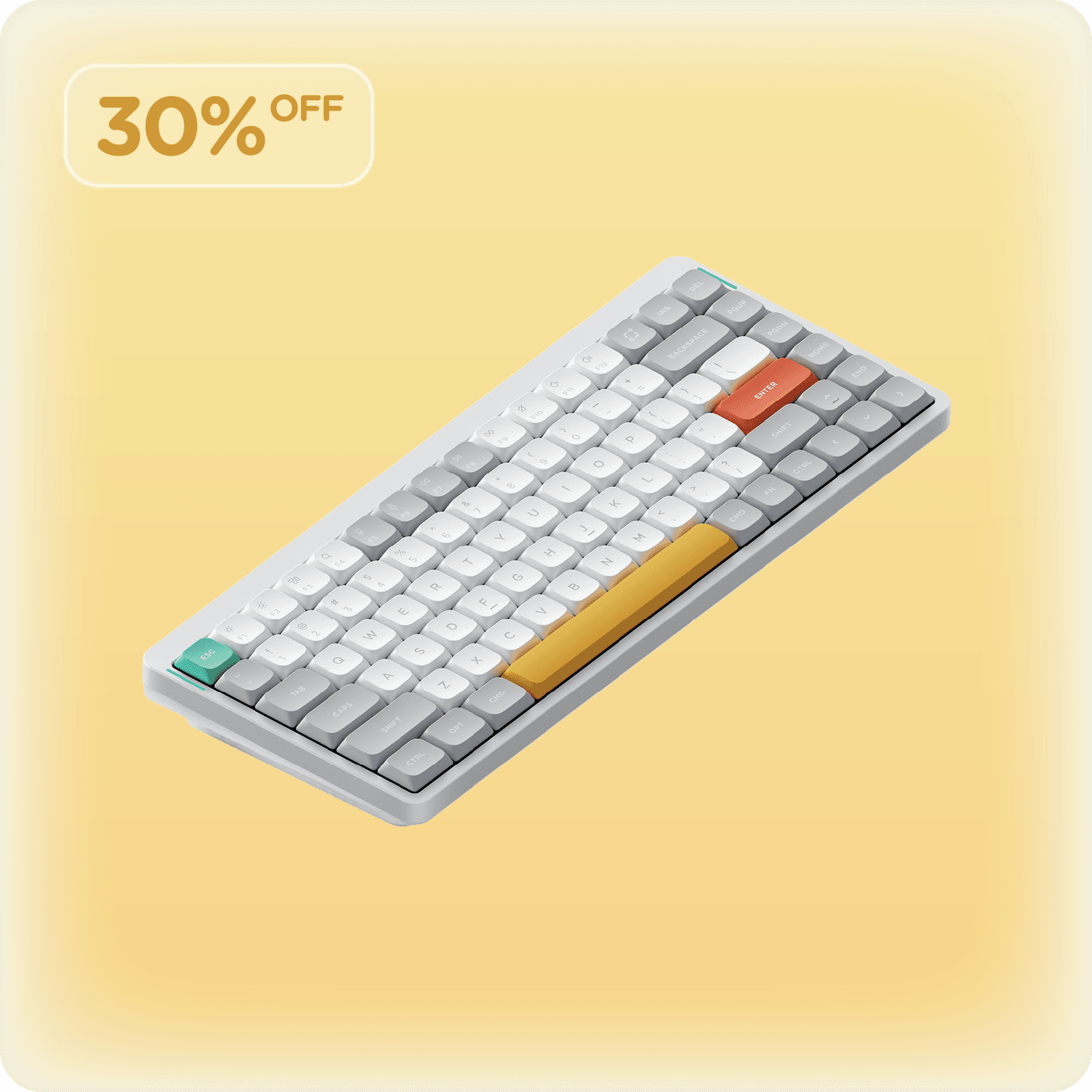
The hardware case is genuine. Aluminum top, plastic bottom, ANSI 75% with 84 keys, Gateron 2.0 hot-swap switches, double-shot PBT caps. The wireless story is the standout — Bluetooth at 125Hz for casual use, a 2.4GHz dongle at 1000Hz when latency matters, and a USB-C cable if you forget to charge it. The 4000mAh battery is the kind of number that sounds like marketing until you live with it: I'm at about three weeks per charge with the lights off, and the manufacturer's 220-hour claim feels conservative.
The board ships with both Mac and Windows keycaps in the box, plus a switch puller and a handful of sample switches in case you want to try alternatives before committing. The three typing angles let you dial in the slope, and the QMK/VIA support means your remaps live in the firmware rather than in a Mac-only utility.
There is one ironic catch worth knowing about. VIA reportedly does not work on macOS for some users — I had to flash a custom keymap from a Windows VM to get my Caps-as-Hyper setup working, which is a frustrating thing to discover on a keyboard sold to Mac people. The Air75 V2 firmware is QMK-compatible, so the workaround exists, but it's the kind of friction that shouldn't be there on a flagship Mac-friendly board.
The other compromises are real and worth flagging. The right Shift key is noticeably smaller than a standard layout, and the key spacing in general is tighter than a full-size mechanical. I caught my pinky on the up-arrow more than once in the first week. The backlight is uniform white that doesn't shine through the keycaps, because NuPhy doesn't include the see-through caps; if you want a glowing legend you're buying an aftermarket set.
The bigger honest catch is typing speed. After three weeks, I'm still 15 to 20 WPM slower on this than on the MacBook keyboard underneath it. Some of that is the smaller right Shift, some of it is just that a scissor switch with 1mm of travel is faster for trained fingers than even a low-profile mechanical with 3mm. If you're a touch typist who cares about pure throughput, the Magic Keyboard wins on speed and the Air75 V2 wins on every other dimension.
The pricing puts it at $119 to $149 depending on the switch choice, which is reasonable for the category. It is not the cheapest low-profile mechanical, but the build quality and the dual-wireless story justify the bump over no-name competitors.
Verdict: Buy this if you're a Mac user who wants a mechanical keyboard that doesn't force you to retrain your hands. If you're a Windows user without the low-profile constraint, the Keychron Q1 Pro is taller, fuller, and more keyboard for the same money.