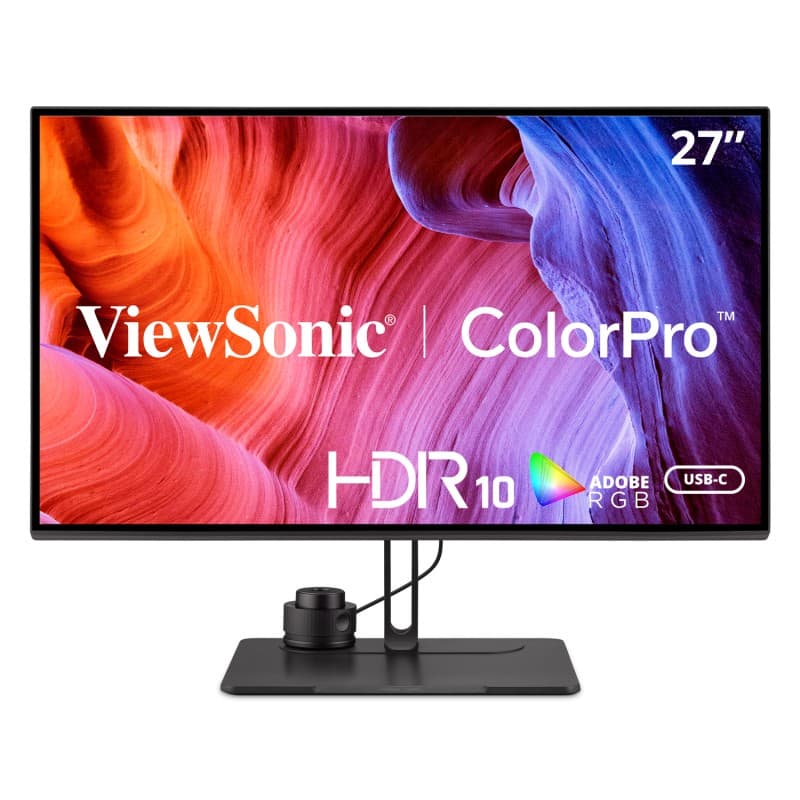
I pulled this out of the box and my first reaction was that ViewSonic had sent me the wrong model. The bezels are slightly thick, the stand is plain, and the back panel has the kind of generic plastic finish you stop seeing on $400 monitors, let alone four-figure ones. Then I plugged it in, loaded the included calibration report, and remembered why I was reviewing it.
The panel is the entire product. ViewSonic ships each unit with a printed factory calibration sheet — mine was within Delta-E of 1 across sRGB and DCI-P3, which is the kind of accuracy you usually pay double for. There are hardware LUTs onboard, which means if you have a colorimeter, you can store calibration in the monitor itself rather than relying on the OS to do it every boot. For anyone who edits photos or color-grades video for clients, that is the feature that justifies the price.
It also covers around 98% of DCI-P3 and the full sRGB gamut, with a flip-of-a-switch mode for each. I spent a week alternating between editing in Lightroom and grading a short video in Resolve, and the second-guessing I usually do — is this skin tone the monitor or the file — mostly went away. That alone bought back its sticker price in time.
The hood in the box is a small detail that says something. Almost no monitor in this price range ships with one. It looks faintly ridiculous and it absolutely works, killing the glare from the window across my office and letting me trust shadow detail at 2 p.m.
The weaknesses are predictable and forgivable for this kind of monitor. 60Hz with no adaptive sync — fine for work, useless for play. The KVM and USB hub work but topped out at USB-C 3.2 Gen 1 speeds, which is slow if you're moving raw video off a card. The built-in speakers are present, which is the only nice thing I can say about them. And the firmware updater is a Windows-only utility that ViewSonic should be embarrassed about in 2026.
The stand is fine, not great. Full ergonomic adjustment is there, but the height mechanism has more wobble than a Dell or LG at this price. Most people will mount this on an arm anyway.
Where this monitor loses, honestly, is on charisma. The BenQ PD3225U has a nicer chassis and a hotkey puck. The Asus ProArt PA32UCG has Mini-LED. The Apple Studio Display is the Apple Studio Display. The ViewSonic is the one that, when you sit down and start working, you stop thinking about — because the colors are right and the workflow doesn't fight you. That's the entire bet, and for the right buyer it pays off.
Verdict: Buy this if color accuracy is a deliverable in your job and you'd rather spend the money on the panel than on industrial design. If you also game or need higher refresh, this isn't your monitor.