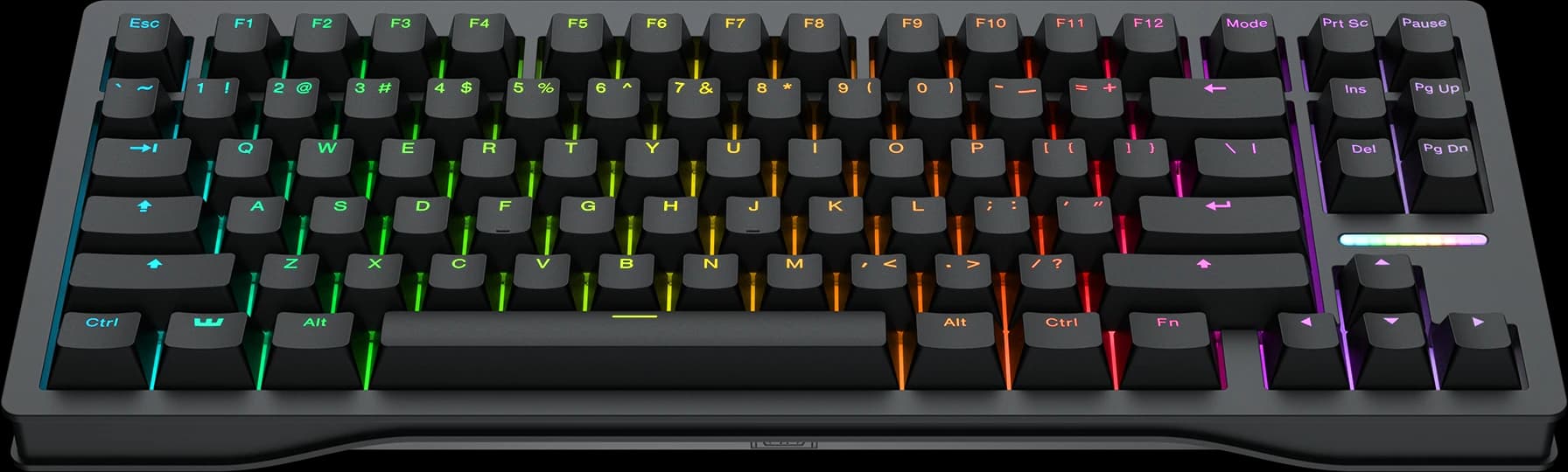
The first time I configured this keyboard I spent forty-five minutes in the Wootility tweaking actuation points for individual keys, and it was the closest thing I've had to a video-game-related religious experience. WASD set to a 0.3mm hair trigger. Space bar pushed out to 1.5mm to prevent accidental jumps. Numbers on the top row kept at standard 2mm travel because I wasn't going to be smashing them in a fight. The board absorbed all of this without complaint and held the settings across reboots, OS switches, and one full firmware update.
The Lekker L60 V2 Hall-effect switches are the foundation. Hall-effect means a magnet in the switch is read by a sensor in the PCB, which gives you analog input — the keyboard knows exactly how far down a key is at any moment, not just whether it crossed a threshold. The result is Rapid Trigger that actually feels right, Snappy Tappy SOCD logic for movement keys, and analog input that some racing and flight sim games can read as a throttle. The switches themselves are heavier than a typical mechanical (40gf actuation, 60gf bottom-out), which took me about a week to adjust to. If you're coming from light linears like Reds, expect fatigue at first.
The Wootility software is the genuine differentiator. It's a web-based configurator that works on Windows, macOS, and Linux without installing anything — you plug the keyboard in, open a browser, and you're configuring. After years of Razer Synapse and Logitech G Hub, the experience of not having a daemon running in the background is liberating in a way that's hard to overstate. The configurator handles per-key actuation, RGB, remapping, profile switching, and Tachyon Mode (the 8kHz polling option, which is off by default and uses noticeable extra CPU).
The build is 80% layout, which is a nice middle ground — you keep the function row but lose the numpad. The standard case is recycled plastic in two finishes, and there's a zinc-alloy upgrade for $92 more that adds weight and the kind of sound profile a custom builder would chase. Doubleshot PBT caps, silicone gasket mount, north-facing per-key RGB.
The catches are real and worth knowing about. The space bar rattles in a way that's audible and noticeable to anyone who has played with a properly tuned custom keyboard. It's the one part of the build that feels unfinished, and a lube job goes a long way but shouldn't be necessary on a $200 board. The switches feel heavy enough that some typists won't enjoy long writing sessions on it. The rubber feet have a tendency to fall off — mine came loose within two months and I had to reattach them with a drop of glue.
There's no on-board macro support, which Wooting reportedly avoided to make the keyboard harder to use for input automation in competitive games. The remap character set is restricted: no em dashes, no degree symbols, no extended Unicode. Snappy Tappy is banned in Counter-Strike 2 and some other competitive titles, so the feature you bought the keyboard for may not be usable in your specific game. Check before you commit.
The pricing is $202 for the standard plastic version, $294 for the zinc, and $170 for the DIY kit if you want to assemble it yourself. The four-year warranty is generous (two years on the LEDs), and Wooting's support reputation in the community is genuinely good.
Verdict: Buy this if you're a competitive FPS player who specifically wants Hall-effect per-key actuation and an OS-agnostic configurator, and you're willing to lube a space bar. If you're a typist who wants a nice mechanical, the Keychron Q1 Pro at half the price is the better answer.